Key takeaways
Fill, sign, and submit Teacher Web PG Movie Consent Form from any browser — or have AI generate a custom version in seconds. No installs, no printing, no back-and-forth.
- The PG Movie Consent Form is used by schools to get parental permission for students to watch PG-rated movies in class.
- Parents or guardians must complete the form by providing the child's name, their signature, and the date.
- This document is utilized throughout the school year whenever PG-rated movies that complement the curriculum are shown.
- The form ensures that a child's viewing of PG-rated videos is explicitly authorized by a responsible parent or guardian.
- No official filing deadline is specified for this form, which schools use to manage movie viewing permissions.
What is Teacher Web PG Movie Consent Form?
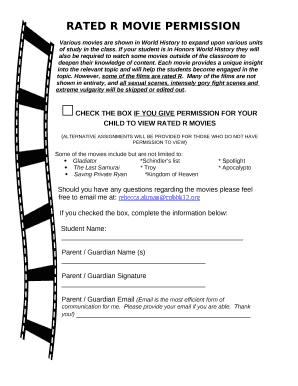
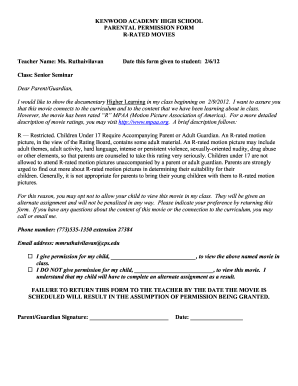
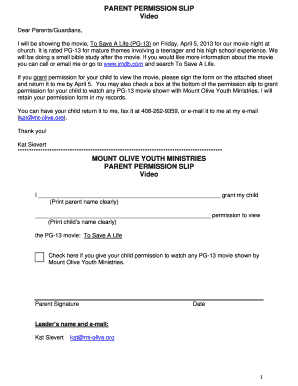
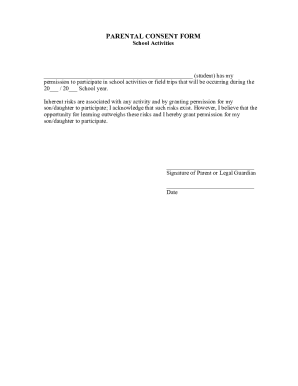
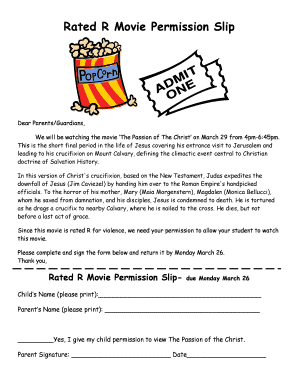
The PG Movie Consent Form is a document used by schools to obtain written permission from a parent or guardian for a student to watch PG-rated films in an educational setting. This form is typically distributed when a teacher intends to show a movie that complements the existing curriculum but requires parental guidance according to standard rating systems. By utilizing this document, schools ensure that families are informed about the media being presented to their children and have the opportunity to authorize participation in these specific classroom activities.
This parental consent form is designed to be straightforward, capturing only the necessary information to confirm authorization for a student. It includes a field for the child’s name and requires a parent or guardian to provide a signature along with the date of signing. These records are kept by the school throughout the academic year to verify that the proper permissions are in place before any pg rated video consent materials are shown. The form serves as a clear record of communication between the educational institution and the student's family.
Issued by Schools
Who needs the Teacher Web PG Movie Consent Form — and who doesn't
Not everyone files Teacher Web PG Movie Consent Form. The checklist below tells you whether it applies to your situation — and points you to the right alternative if it doesn't.
You need this Teacher Web PG Movie Consent Form if…
- you are a parent or guardian whose child is scheduled to watch a PG-rated movie as part of their school curriculum
- the school requires formal written authorization before allowing students to view films that supplement classroom lessons
- you need to provide a signed and dated consent to allow your child to participate in movie-viewing activities throughout the school year
You do not need this Teacher Web PG Movie Consent Form if…
- your child is not enrolled in a class where PG-rated movies are being presented
- the school is only showing movies with ratings that do not require specific parental consent
- you are not the legal parent or guardian responsible for signing permission forms for the student
Why you need the Teacher Web PG Movie Consent Form
Why people fill out Teacher Web PG Movie Consent Form, and what tends to go wrong when they don't.
-
Support Classroom Learning This form allows parents to authorize the use of PG-rated films that complement the school curriculum, ensuring students can participate in educational activities involving media while respecting parental preferences.
-
Formalize Parental Consent By providing a signature and the child's name, a parent or guardian establishes a clear record of permission, ensuring the school has explicit authorization for the student to view specific content.
-
Simplify Document Management Using pdfFiller, parents can quickly sign and date the consent form from any device and return it to the school via email or link, keeping the document in secure encrypted storage.
What each section of Teacher Web PG Movie Consent Form means
Every section explained — what it's asking, the records you'll need on hand, and the mistakes that most often cause a rejection or follow-up request.
| Child’s Full Name | Enter the first and last name of the student who is being granted permission to view PG-rated films as part of their school curriculum. |
|---|---|
| Parent or Guardian Signature | The parent or legal guardian must provide their signature to officially authorize their child to participate in movie viewing sessions organized by the school. |
| Date of Signature | Provide the specific calendar date on which the parent or guardian signs the document to ensure the consent is current and valid for the school year. |
How to fill out Teacher Web PG Movie Consent Form using pdfFiller
A walkthrough from the first field to the signature line. With your records in front of you, most people finish in under ten minutes.
-
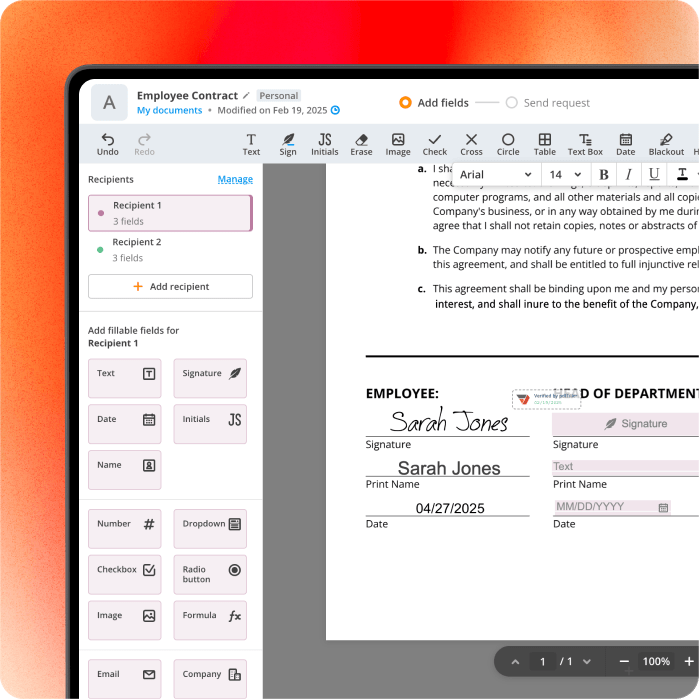
Open the Form Click Get Form to open PG Movie Consent Form in the pdfFiller editor to start the process of providing authorization for your child to view movies at school.
-
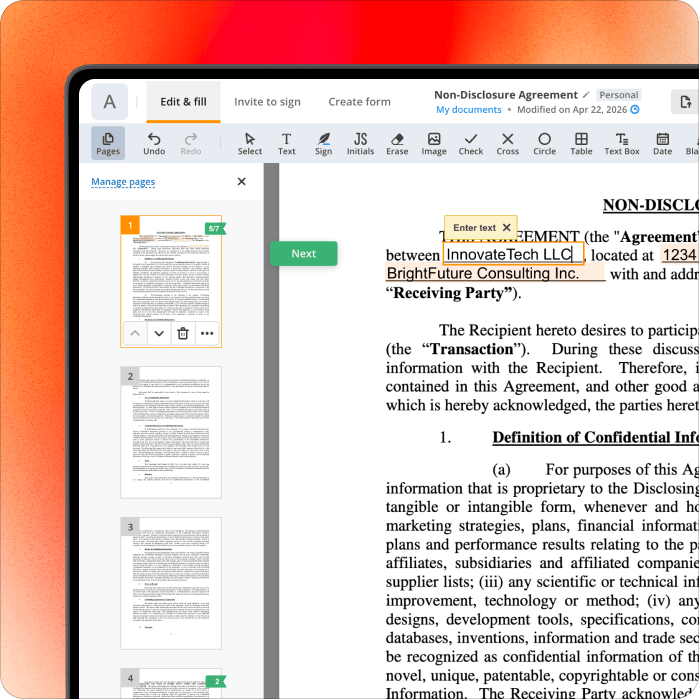
Enter Child's Name Locate the designated field for the child's name and use the text tool to type the student’s full name as it should appear on the school movie permission.
-
Select the Date Click into the date field and enter the current day to document exactly when the form was filled out and signed by the parent or guardian.
-
Review Your Entries Carefully look over the completed form to ensure all information is accurate and that the fields are correctly placed before you finish the editing process in the browser.
-
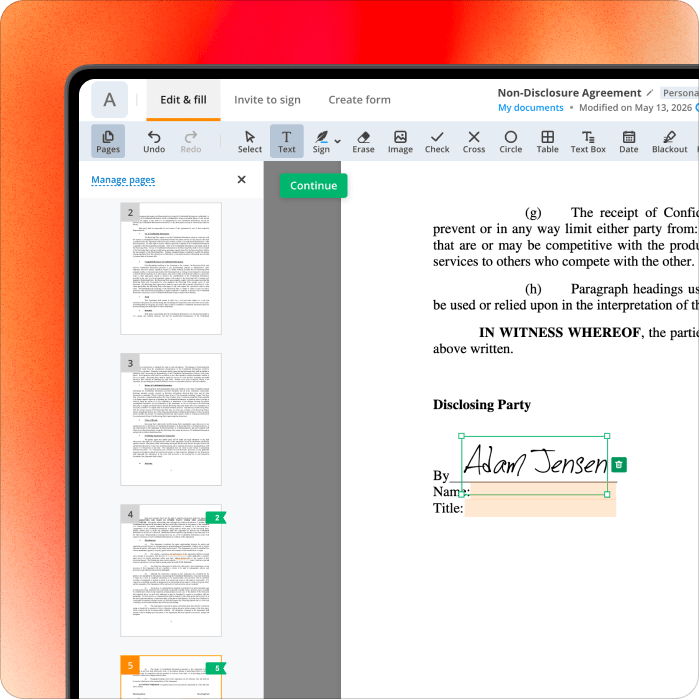
Sign the Document Click on the signature field to create and place a legally binding e-signature on the parental consent form, ensuring you meet the school's requirements for student participation.
-
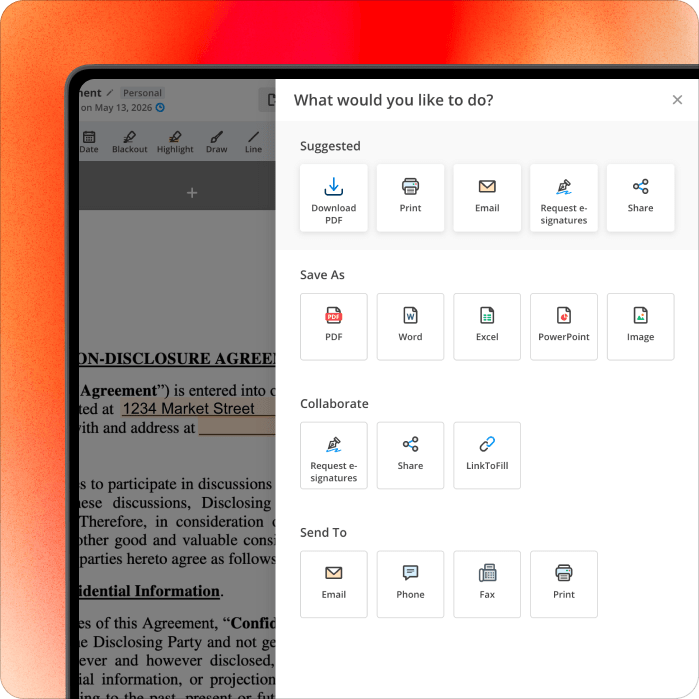
Save and Share Click Done to save the document and utilize the platform's capabilities to send or share the finished PDF via email, link, or fax to the school administration.
Key terms used in Teacher Web PG Movie Consent Form
A one-sentence glossary of the Teacher Web PG Movie Consent Form terms and concepts you'll see throughout this guide.
- PG Rating
- A classification indicating that some material may not be suitable for children and parental guidance is recommended.
- Parental Consent
- The formal agreement provided by a parent allowing their child to participate in a specific school-related activity.
- Curriculum
- The set of courses and educational content offered by a school that the selected movie is meant to support.
- Guardian
- A person who has the legal authority and responsibility to care for and make decisions for a minor.
- Permission Form
- A document used by organizations to obtain authorization from a responsible adult for a minor's participation.
Frequently asked questions about Teacher Web PG Movie Consent Form
Quick answers to the questions we hear most often about completing the Teacher Web PG Movie Consent Form.
The PG Movie Consent Form is a document schools use to obtain parental permission for students to watch PG-rated movies that complement the curriculum. This form ensures that parents or guardians are informed about the media being presented in the classroom and have granted their authorization for their child to participate in the viewing.
The PG Movie Consent Form must be signed and dated by a parent or legal guardian. This signature confirms that the adult responsible for the student has reviewed the request and provides consent for the child to watch PG-rated content. You can add a legally binding e-signature to this document using pdfFiller.
The form requires the child’s full name, the signature of the parent or guardian, and the date of signing. These fields are essential for the school to identify the student and verify that the permission is current. The document is designed to be simple and contains only these core fillable sections for completion.
You can fill out, sign, and share the PG Movie Consent Form using the pdfFiller platform in your web browser. pdfFiller allows you to enter the child's name, add your signature, and insert the date before sending the finished PDF directly to the school via email or a shared link for easy management.
Schools use the PG Movie Consent Form throughout the school year whenever PG-rated movies are presented as part of a class lesson. The form acts as a record of parental consent for educational media that falls outside of a G rating. It is a standard part of school communications regarding instructional materials.
No, the PG Movie Consent Form does not require notarization for it to be accepted by a school. The only requirements for the form to be valid are the parent or guardian's signature and the date. You can easily complete these requirements and manage the document securely within the pdfFiller platform.